
How to Order Indian Takeaway in Estepona via WhatsApp
2 October 2026
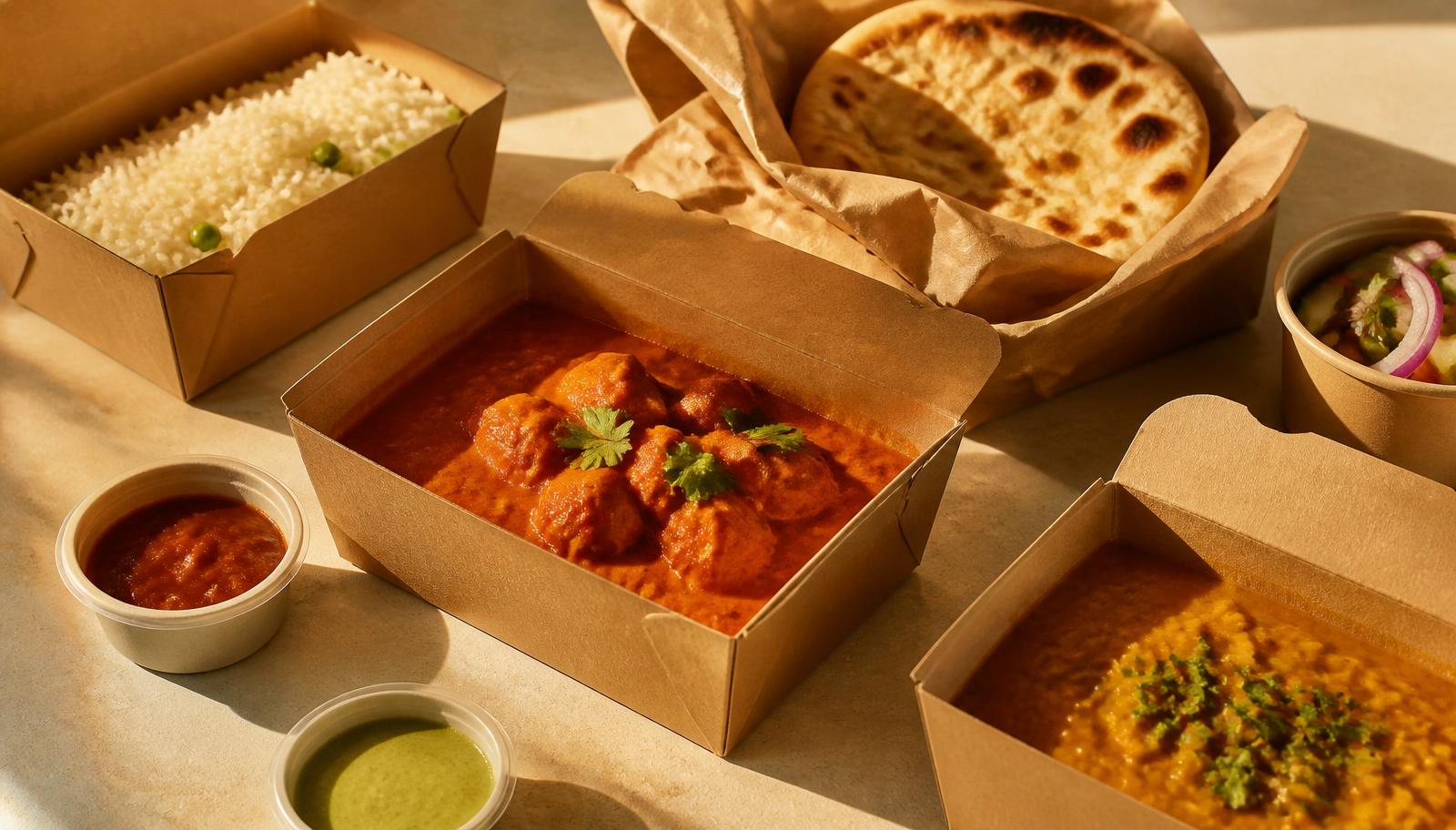
A step-by-step guide to ordering Sabor India takeaway or delivery in Estepona centre — choose dishes, add notes and send your order on WhatsApp.
Craving curry at home? Ordering Indian takeaway from Sabor India takes about two minutes.
STEP 1: OPEN THE MENU
Go to saborindiaestepona.com/menu and use the category buttons — starters, curries, rice, breads — to jump to what you want.
STEP 2: ADD DISHES AND NOTES
Tap to add each dish and use the plus and minus buttons for quantity. Add a note to any dish, for example "mild please" or "no onion".
STEP 3: CHOOSE TAKEAWAY OR DELIVERY
In the cart, choose takeaway to collect from the restaurant, or delivery if you are in Estepona centre. A delivery charge may apply — contact the restaurant for details.
STEP 4: SEND ON WHATSAPP
Fill in your name and phone, review your order, and send. Your order arrives as a WhatsApp message and we confirm it directly. Takeaway and delivery orders are accepted every day, including Wednesdays.
WHAT TRAVELS WELL
Curries, biryanis, rice and tandoori dishes all travel very well. Order naan last-minute and eat it warm for the best experience.